top of page
Exercise 1
Exercises 1-12
Exercise 1: Drawing Animation Character

Practice Shape:
The Little Girl
3 Characters:
The Sleeping Father
Jadon Luo
Undead Entity
Exercise 2
Exercise 2: Drawing with the Brush Tool
Practice Brush:
Unnamed Woman
2 Characters:
Shrek
Person in a Navy Blue Hoodie



Exercise 3
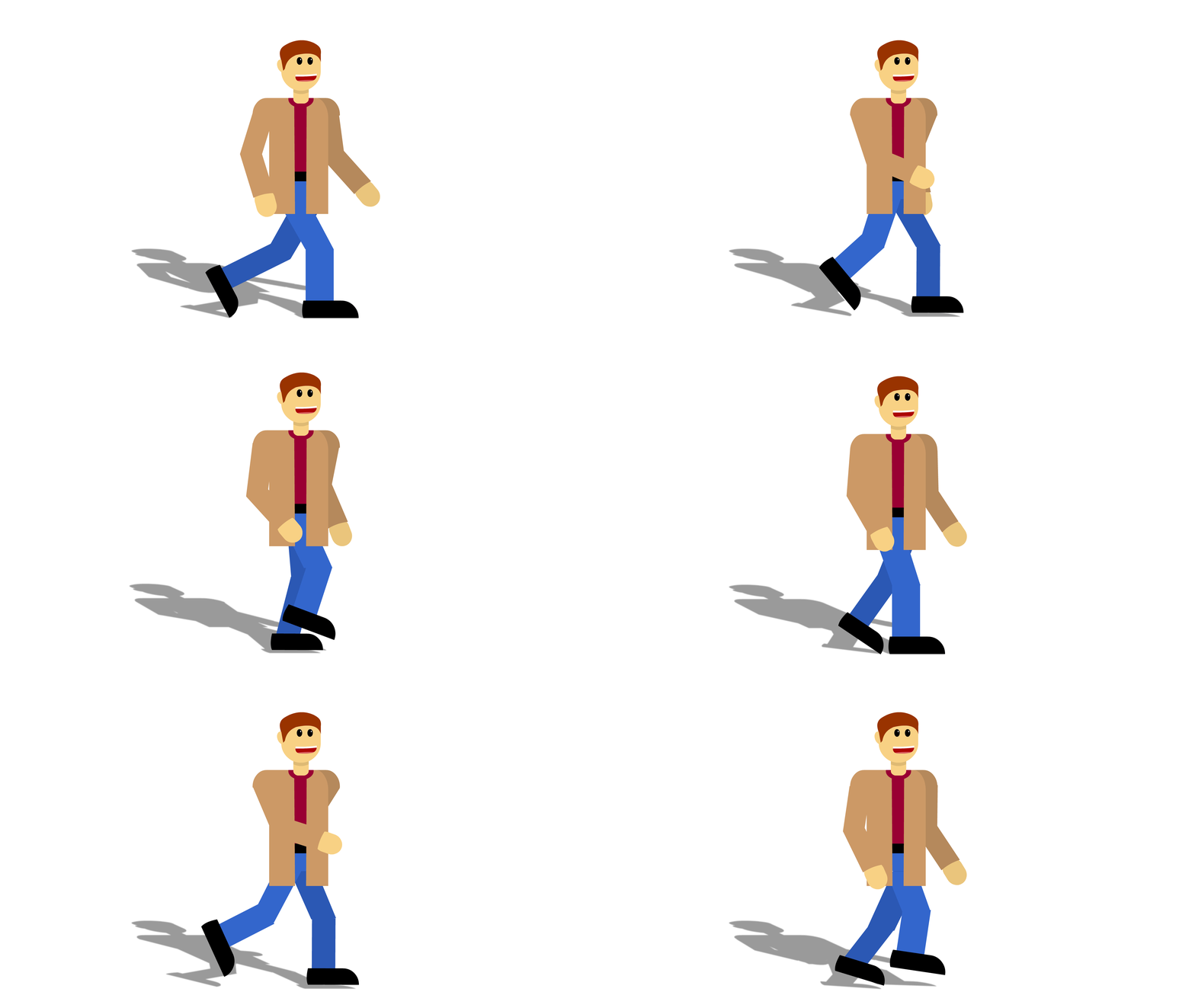
Exercise 3: Using Timeline & Layer Effects
Walking Man
Exercise 4
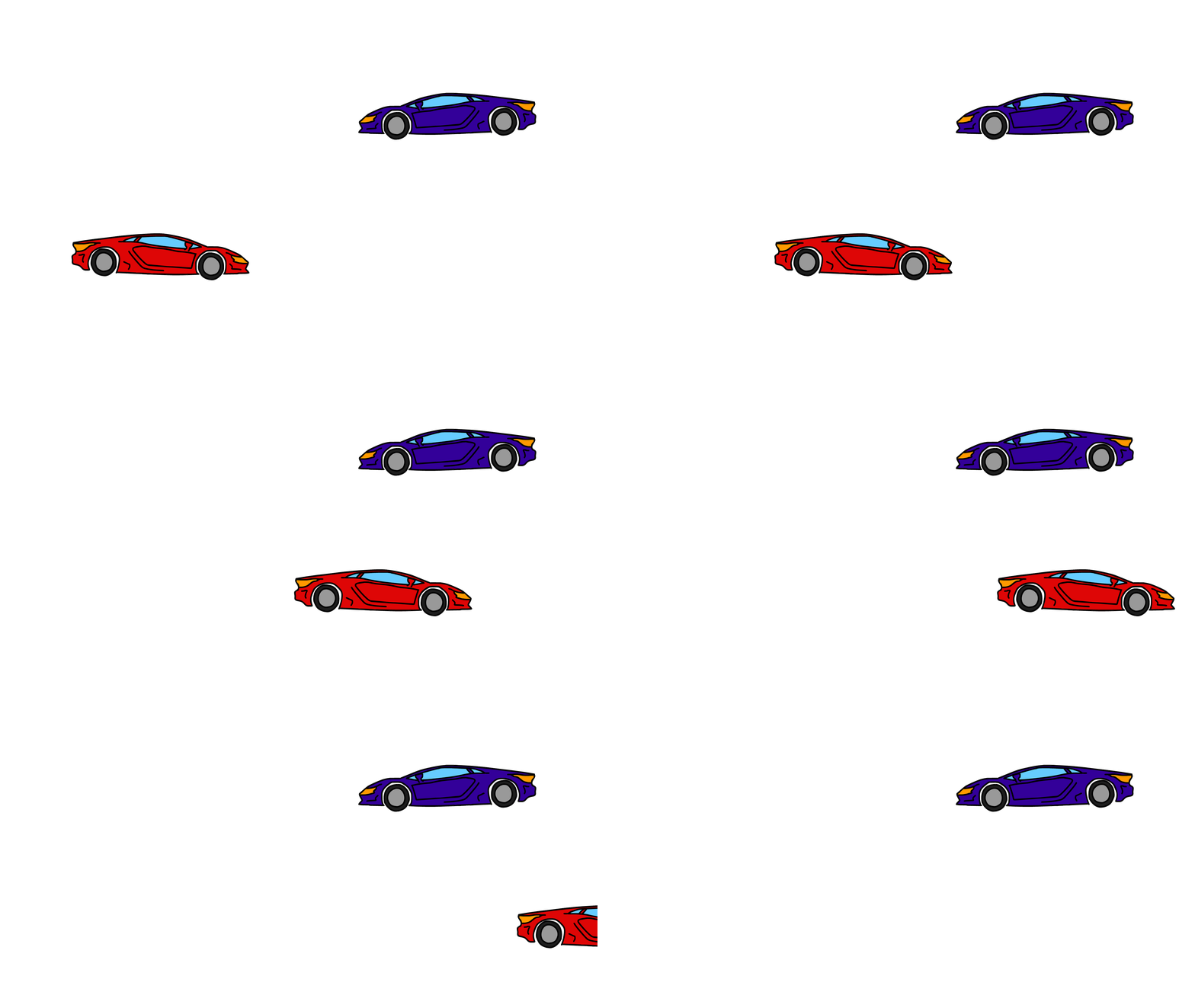
Exercise 4: Types of Symbols
The Graphic symbol (Red Car), runs along Adobe Animate's main timeline. The MovieClip symbol (Blue Car), runs on its own individual timeline. This causes the MovieClip symbol's animation to only be visible when scrubbing its specific timeline or upon clicking "Control>Test." MovieClip symbols can also be given Instance Names, which allow them to be controlled by code. Graphic symbols lack this feature, but can be controlled by "Loops" instead.
Exercise 5
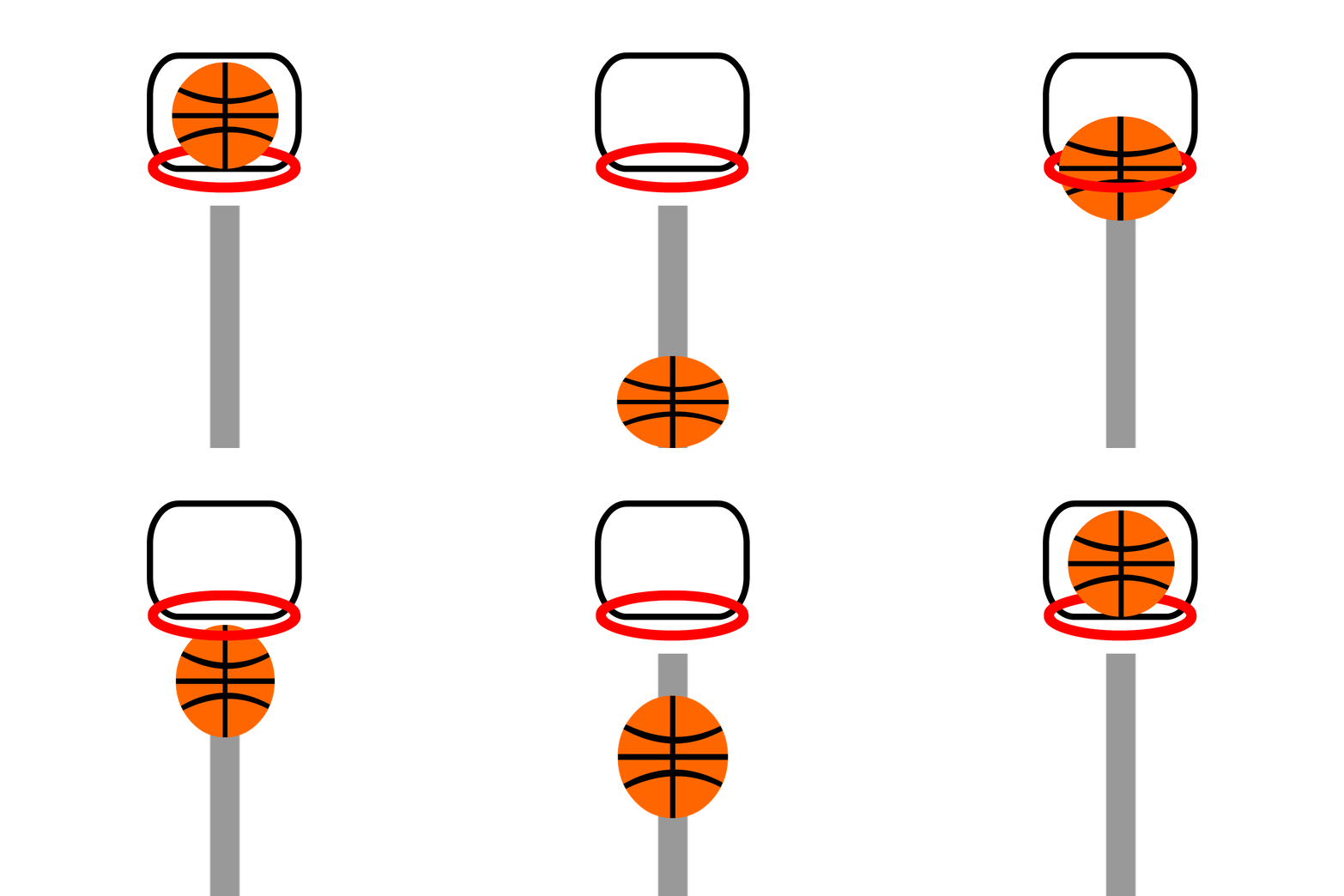
Exercise 5: Bouncing Ball
Infinite Basketball Scores
Exercise 6
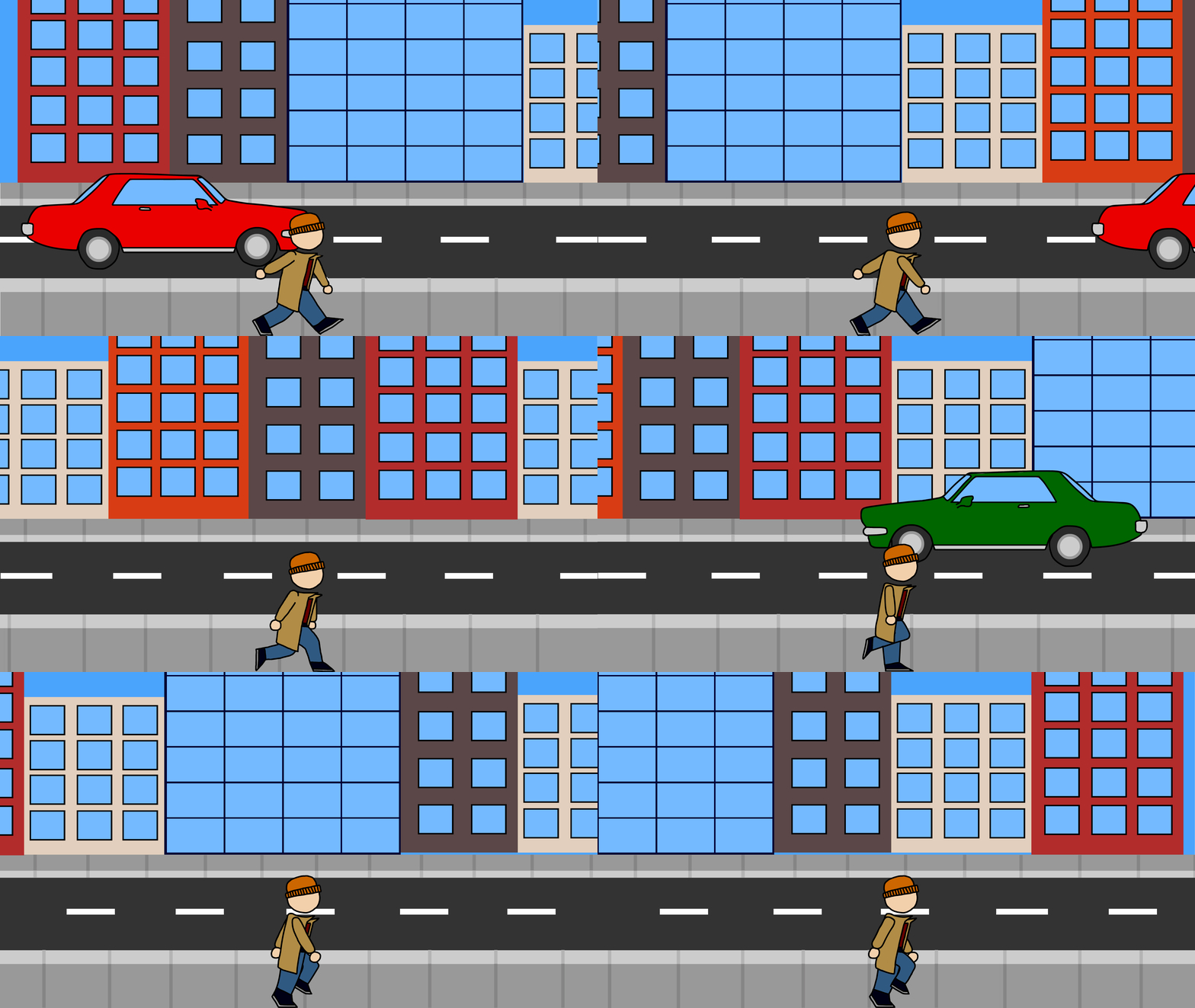
Exercise 6: Basic Walk Cycle
Walking Down the City Street
Exercise 7
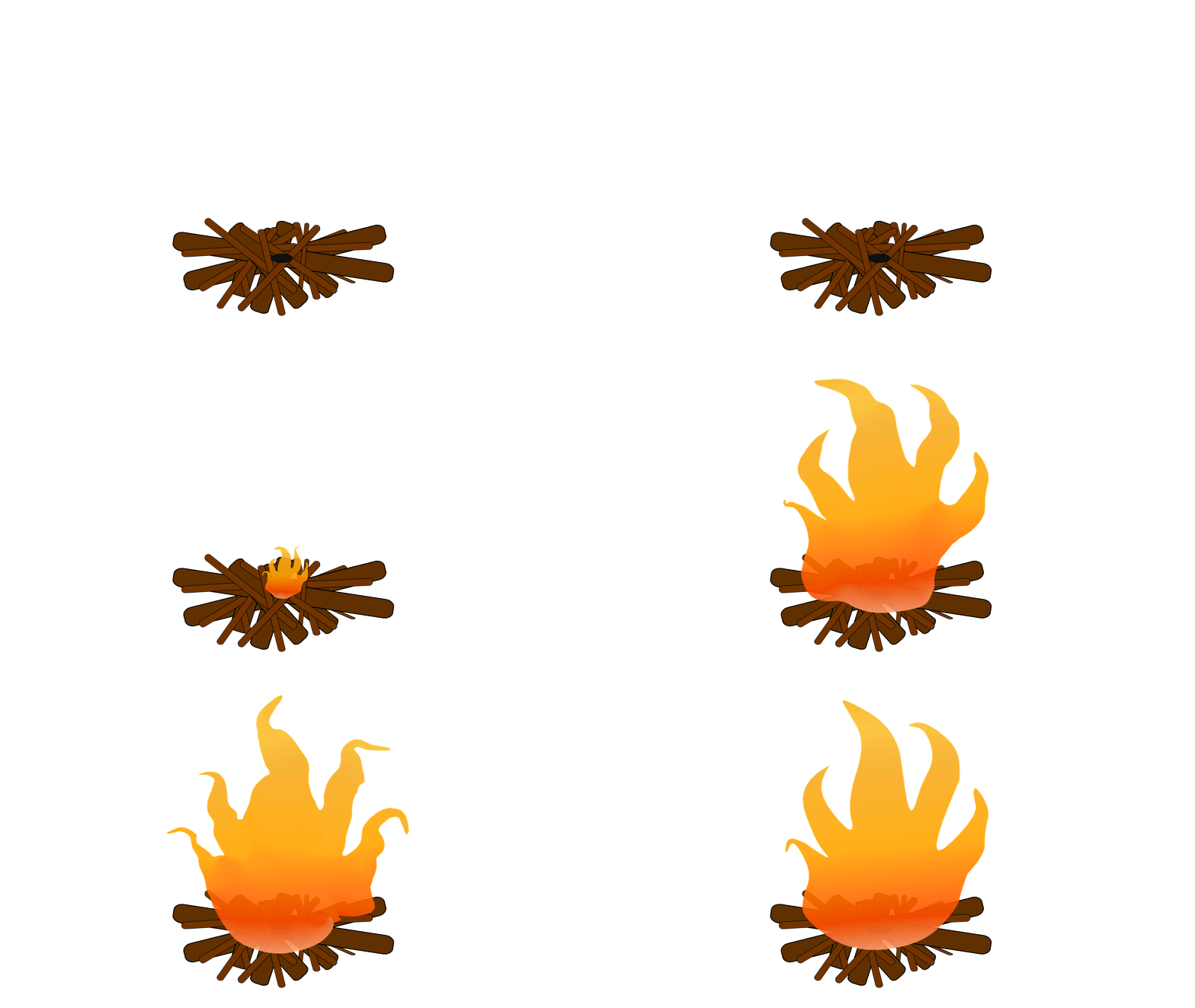
Exercise 7: Warping Fire
Campfire
Exercise 8
Exercise 8: Asset Warping Bitmaps
Caterpillar on a Branch

Exercise 9
Exercise 9: Auto Lip-Syncing
"To Be or Not To Be"

Extra Exercises
Extra Exercises
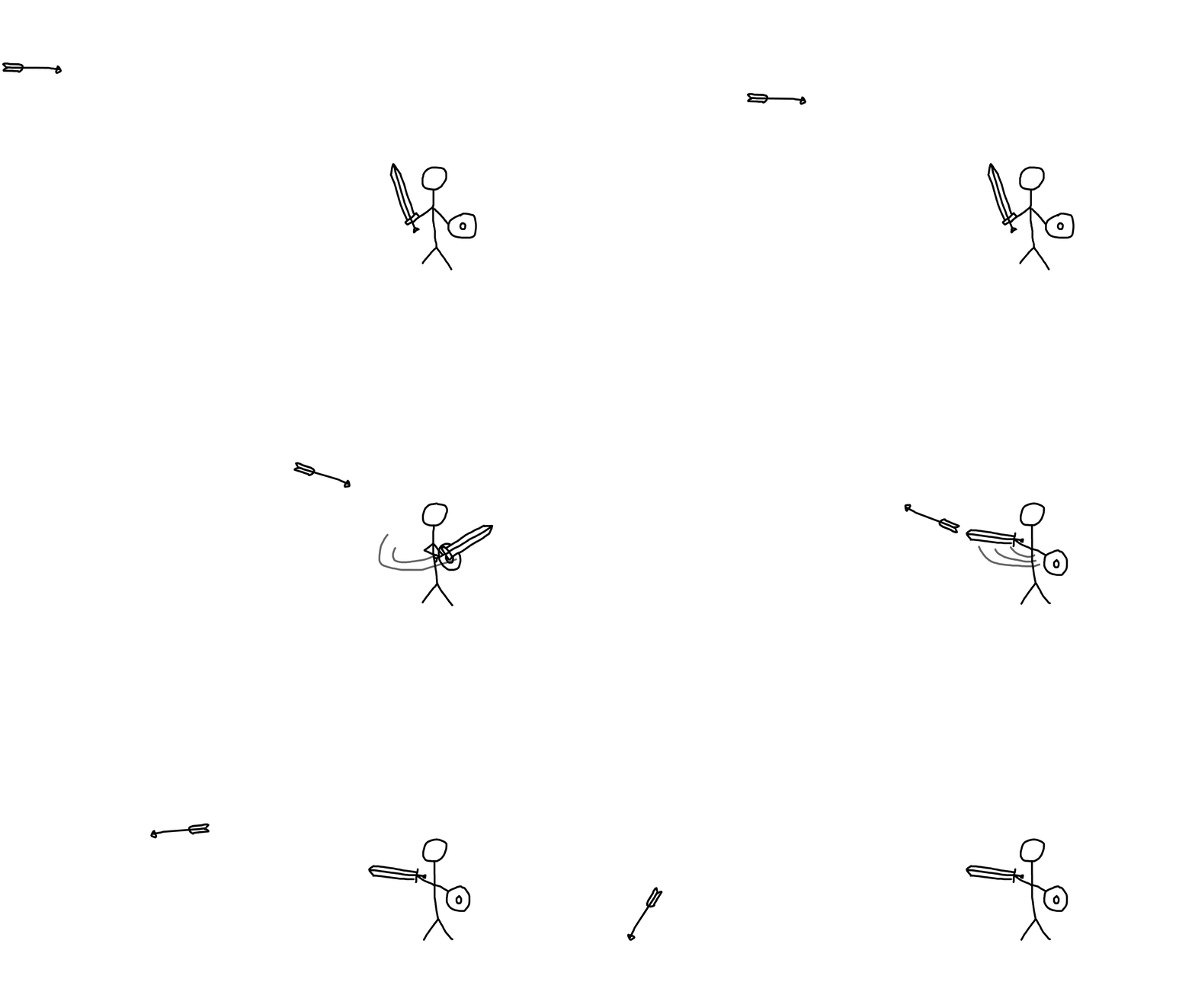
I had nothing to do in class and got bored
bottom of page